
A Free Bing Image Creator Alternative
Free Image Maker is a free Bing Image Creator alternative with no sign-in, no boosts and no watermark. Bing Image Creator is free, but it needs a Microsoft sign-in, runs on limited boosts and marks its output. Here you type a prompt and get a picture in about 10 to 20 seconds. Add “anime” to your prompt for a clean anime style, and reuse the seed to get the same picture again.
- Free
- No sign-up
- No watermark
- About 10 to 20 seconds
What you get, free
Free, no sign-up
No account, no email, no card. Open the generator and type. There are no credits and no daily cap.
Anime or realistic
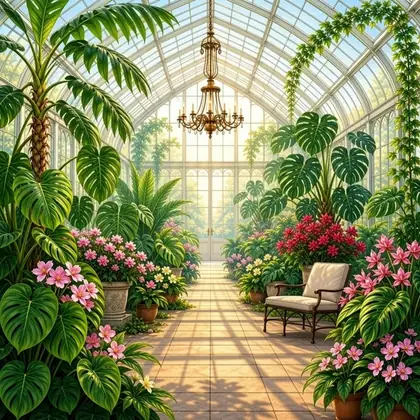
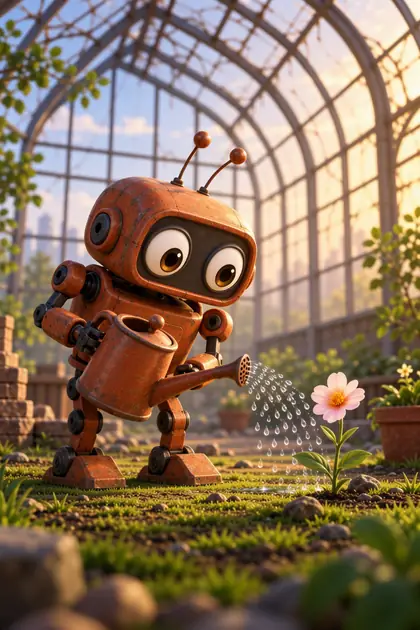
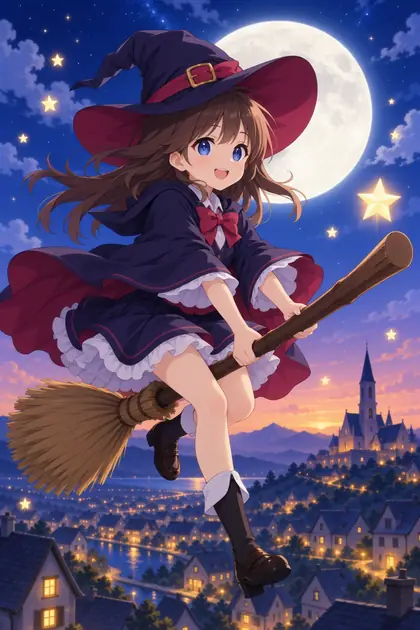
Put words like "anime" or "manga" in your prompt for a clean anime look. Anything else gets a detailed, natural-colour picture.
About 10 to 20 seconds
Each picture takes about 10 to 20 seconds. If lots of people are making pictures, it asks you to try again in a minute.
Shapes for every use
Square, portrait or landscape, with presets for stories, phone wallpapers, widescreen and banners.
Make it again, share it
Every picture has a seed. Paste it back with the same prompt to get the same picture, or copy a link that recreates it.
Not stored
Pictures are not kept on our servers unless you press Share to make a public page for one.
Bing Image Creator vs Free Image Maker
| Feature | Bing Image Creator (free tier) | Free Image Maker |
|---|---|---|
| Free, no cost | Yes | Yes |
| No sign-up or login | No | Yes |
| No credits or daily cap | No | Yes |
| No watermark | No | Yes |
| Anime style | No | Yes |
| Realistic pictures | Yes | Yes |
| Upload a photo to restyle it | No | Paused for now |
| Reproducible seed + shareable link | No | Yes |
| Pictures not stored unless you share | No | Yes |
Based on each tool's free tier and public information in 2026. Tools change often, so check their sites for current details. This compares what each one does, not how good the pictures are.
Free Image Maker at a glance
Last updated
| Price | Free. No credits, no paid plan on this site. |
|---|---|
| Account | None. No sign-up, no email. |
| Watermark | None on any download. |
| Speed | About 10 to 20 seconds a picture. When many people are making pictures, it may ask you to try again in a minute. |
| What it makes | One picture from a text description. Anime style or a detailed, natural-colour look. Safe-for-work only. |
| Shapes | Square, portrait or landscape, with presets for stories, phone wallpapers, widescreen and banners. |
| Make it again | Every picture has a seed. Same prompt and seed give the same picture, and you can copy a link that recreates it. |
| Privacy | Pictures are not kept on our servers unless you press Share to make a public page. |
| Paused for now | Photo uploads (image to image), upscaling and making more than one picture at a time. |
Frequently asked questions
Is there a Bing Image Creator alternative without sign-in?
Yes. Free Image Maker needs no Microsoft account or any login. Open it and generate.
Are there boosts or limits?
No boosts, no credits and no watermark. There is a short per-minute limit so the site stays fair, and when it’s busy you may be asked to try again in a minute.
Is it good at anime?
Put “anime”, “manga” or “chibi” in your prompt and you get a clean anime illustration. Other prompts get a detailed, natural-colour look.
How long does a picture take?
About 10 to 20 seconds. You get one picture per prompt, in square, portrait or landscape.
Ready to make one?
Free, no sign-up, no watermark. Describe it and download it in about 10 to 20 seconds.
Open the generator →